KURAI Student Project
Daniel's Obstacle Course
Jump across platforms, dodge spikes and lava, grab the key, and reach the portal — over six levels that get trickier as you go.
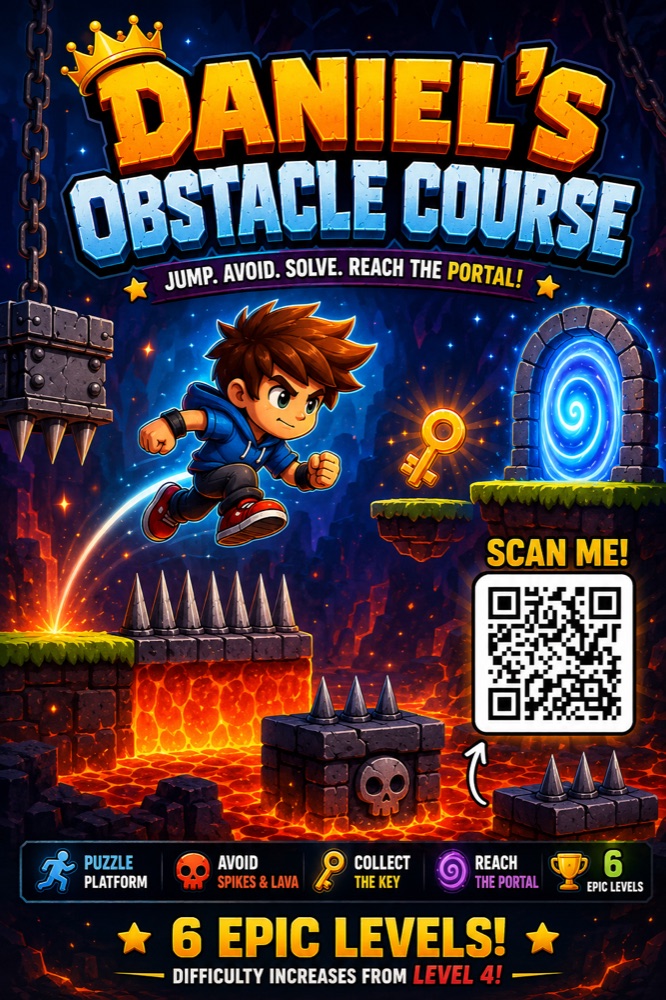
Arrow keys move · Space jumps · D lowers traps
Ready?
6 colorful levels of spikes, lava and traps. Tap D to lower hazards — but only for a moment.
Daniel mid-build, testing Level 4
How he made it
Paired with an instructor.
Iterated for weeks.
Daniel didn't sit down and build a six-level game on day one. He started small — breaking a big idea into small steps — with a single jumping square on a flat floor. Then he asked: "what if there were spikes?"
Over a few weeks of paired sessions, Daniel worked alongside his AI Explorers instructor — prompting carefully, then playing, breaking, and refining until the timing felt fair. Lava that needed timing. A key to collect. A trap that lowers when you press D. Each idea started as a sketch on paper, became a prompt, then a level — and got revised when it didn't quite play right.
By the time he demoed it at module wrap-up, Daniel could explain exactly why each piece worked the way it did — because he'd debugged most of them himself.
Step by Step
From a blank canvas to six levels.
A jumping square
Daniel sketched the idea on paper, then asked the AI: make a small character that jumps on a flat floor when i press space. He had a working jump 30 seconds later — and spent the rest of the session tweaking gravity until it felt right.
Adding the danger
The first version was unfair: spikes everywhere, no way through. Daniel asked: the spikes are too hard. can he sometimes get past them? The AI added a "press D to lower" mechanic. Daniel then refined the timing himself until a careful jump could clear each row.
Six levels, a key, a portal
Daniel mapped six levels in his notebook, then worked through them one by one. level 5 should need a key before the portal opens — that's the prompt that introduced the collectible. He could explain every choice at module wrap-up.
The guide
How to play.
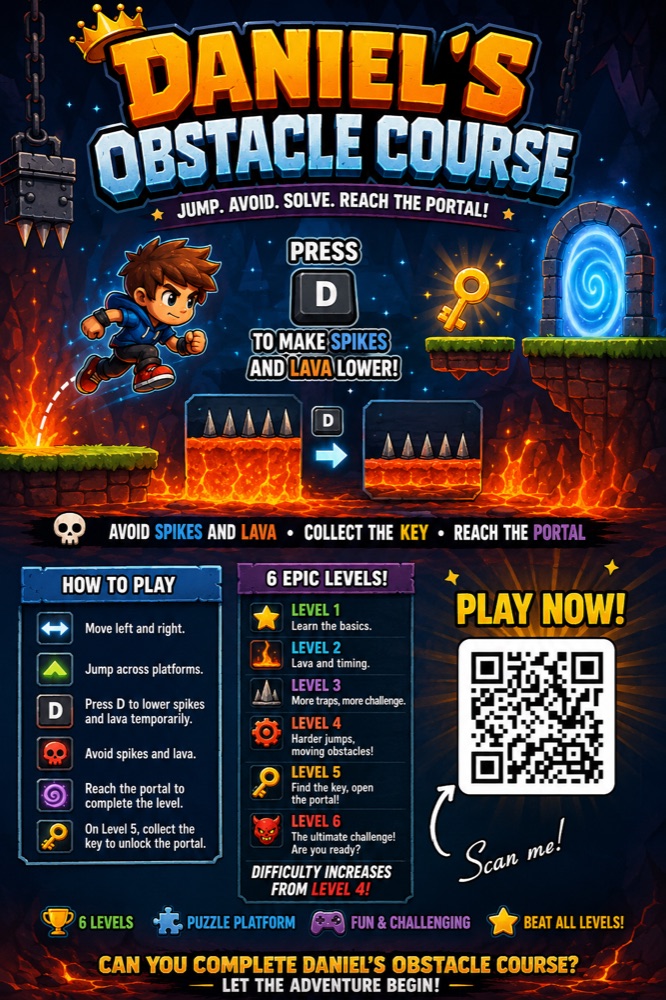
Daniel also designed a how-to-play guide — the controls, what to avoid, and all six levels at a glance. Tap to view it full size.
Your child could build something like this.
Daniel learned by making — paired with an instructor, iterating with AI, debugging in real time. Your child can too.